
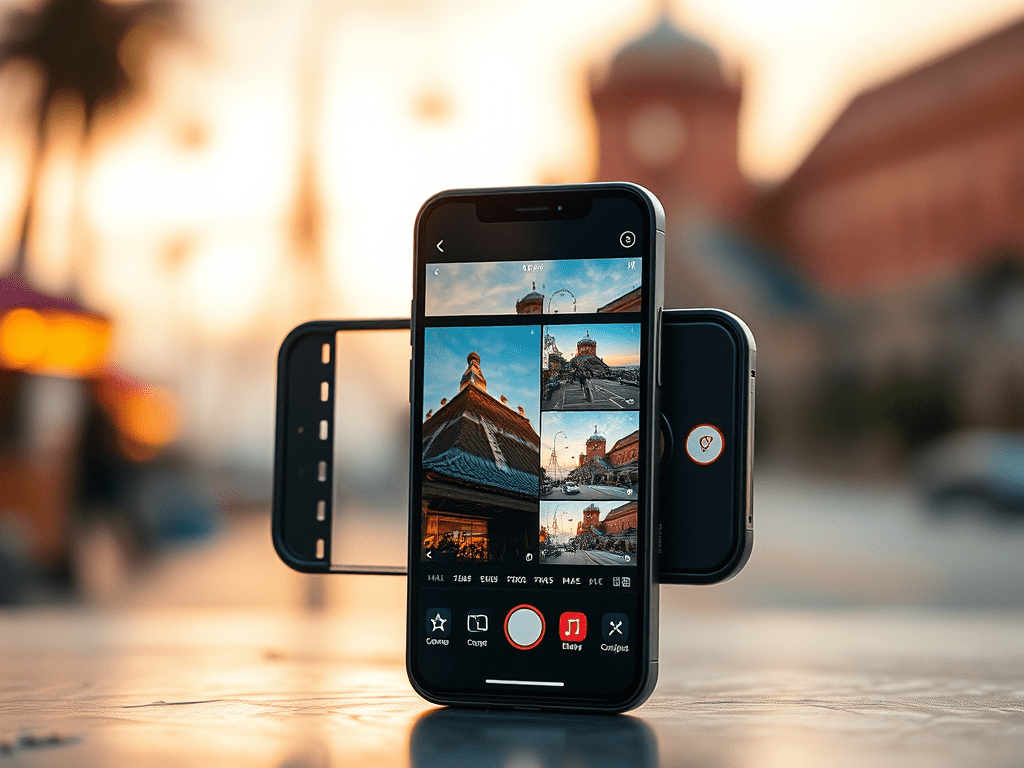

Digital Photo Editing In Your Phone
Today a majority of people use there cell phones as cameras and travelers are no exception. But when it comes to keeping a photographic record of trips a majority of cell phone users don’t make full use of the devices built-in photo editors. From iPhones to Androids most newer phones have AI photo editing capability. In addition to phones our computers apps also contain a number of advanced photo software as well as systems for organizing photo collections.

Editing Options:
Brightness, Color and Contrast
These settings have long been a staple of digital editing and make it reasonably easy to improve images by brightening the image, opening shadows and intensifying colors.

Shadows and Highlights
These are additional easy options for improving photos. Lightening shadows can reveal details in dark shadows without affecting lighter regions while highlights lowers brightness without changing shadow areas. Often using the Contrast feature after working with shadows and highlights can further improve the image.
Cropping
Many pictures can use a little tightening of the frame to help highlight the main element and improve composition. One important thing to try and achieve is to leave the photo in a traditional rectangle in landscape or portrait orientation with a ratio similar to a standard letter paper.


When taking photographs a good practice to get into is to use higher resolution settings and photograph a large area. This offers the option of selecting a cropped image later when taking the time to review your images and after cropping the image still is sharp.
Sharpen
This is another common feature that simply tries to sharpen a blurry photograph. While it doesn’t have the ability to fix a lot of blur it can make a picture seem overall a bit sharper. If you over do it ,it has a tendency to introduce fine speckling to the photo though.
AI Sky Replacement

When taking photographs in the past we were limited to what the weather was doing and what the sky looked like. Another feature that is becoming available in many applications is AI sky replacement. It usually features a built in library of sky images (solid blue sky, clouds, sunsets etc.) with many systems also allowing you to add to this library. With just a few glitches this is a remarkable tool.
AI Editing


Object removal
This feature is actually magical and is common to most new Apple and Google systems. Have a great photo but it’s cluttered with people? Maybe it would be perfect if that car wasn’t there? With a photo displayed open the EDIT feature. You will then have the option of changing the spot (or brush) size. Move the slider so the spot will just barely cover the width of the element you want removed. Use the spot to simply paint over the element you want to remove. It usually works best if you try to work strokes in either a horizontal or vertical direction. It may take several repeated steps to work completely, but in a majority of cases the element disappears as if it was never there.


While working or when done you have an option called UNDO that gives you a chance to going back a step and try something over and over again. Don’t like the result? Simply start over.
One important thing to keep in mind is AI isn’t a mind reader nor can it isolate an element in an area of complex shapes and colors. It will always try but can, at times, create a real mess of things. Also most phones utilize libraries that save a copy of the original before editing. When done you have the new image along with a copy of the original image.
Another feature that’s built in to your phone’s camera is geo location. Every picture will have longitude and latitude included in its meta data, and will often include the name of the location (city, town or building) so you’ll always know where the pictures from. Judi uses this feature to record our locations as we travel by taking a picture of almost nothing (sometimes she’ll take a picture of a note written on a piece of paper as a travel reference)
Planning A Cruise? Start With The Intentional Travelers Port Guides



Recent Posts From The Intentional Travelers You Might Find Interesting:








 The Intentional Travelers